> For the complete documentation index, see [llms.txt](https://docs.elyxir.dev/llms.txt). Markdown versions of documentation pages are available by appending `.md` to page URLs; this page is available as [Markdown](https://docs.elyxir.dev/features/guild-tag-rewards.md).
# Guild Tag Rewards
This feature is part of the Guild Tag Rewards Module.
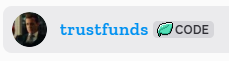
With the advent of Guild Tags, those shiny badges next to Discord names, we bring the opportunity to give rewards to those who use your server's guild tag. This allows you to provide benefits (such as priority) to those who represent your server, in exchange for helping to promote your server through Discord.
#### OBJECTIVES
* [Setup the Guild Tag Rewards system](/features/guild-tag-rewards.md)
#### REQUIREMENTS
**Premium Tier** and **Deluxe Tier** subscriptions have full functionality access to this feature. You should have the "Guild Tags" boosting feature unlocked to use this feature.
## Setup the Guild Tag Rewards system
{% hint style="info" icon="sparkle" %}
New feature: Let us know your thoughts and share any bugs with us through our discord server!
{% endhint %}
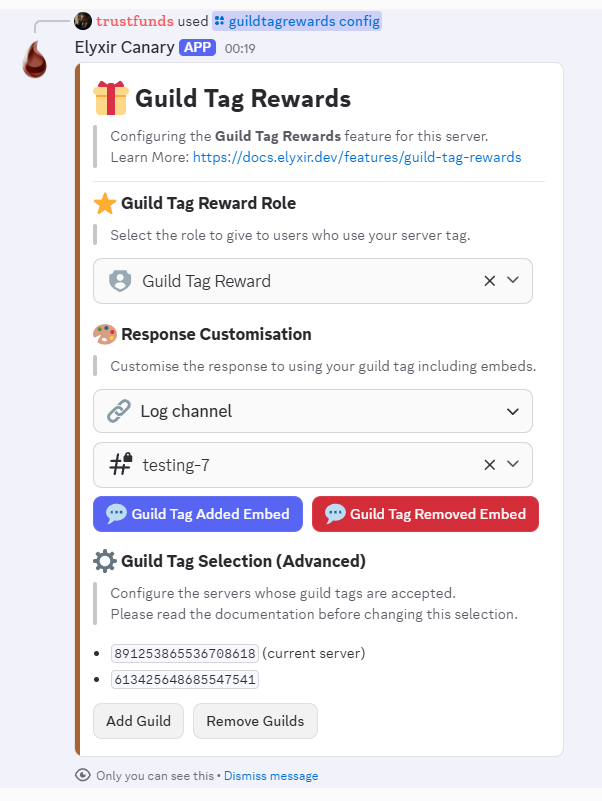
Once you have enabled the module, run the `/guildtagrewards config` command to get started. You will firstly be prompted to enter a reward role - this is the role which will be given to those who use your Guild Tag.
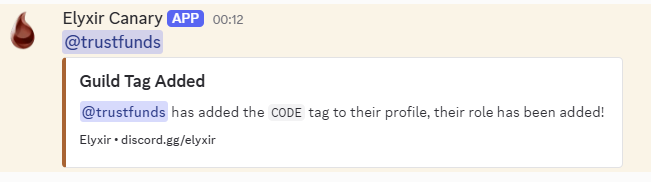
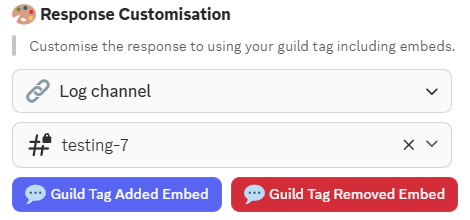
You can then configure the rest of the module, including the "log channel". These messages serve as encouragement for other users to add your tag as well, so make them generous and make it clear how to get the rewards. As such, this "log channel" should be a public read-only channel in your Discord server.
If you have multiple discord servers and want to allow them to use any of your guild tags, skip here. Otherwise, continue reading to learn how to customise the outputs.
### Customisation
The bot allows you to customise the log messages sent to people when they add and remove your guild tag. Use the "Guild Tag Added Embed" and "Guild Tag Removed Embed" button to configure each log message respectively. You can also use several parameters within these embeds, listed below.
{% code lineNumbers="true" %}
```
{member.mention} - Mention the user who changed their status
{member.username} - The username of the member who changed their status
{member.id} - The user id who changed their status
{guild.name} - The server name where the event was triggered
{guild.id} - The server id where the event was triggered
{guildTag} - The guild tag which you are using
```
{% endcode %}
### Multi-guild configurations
The bot also allows you to give rewards to those who are using a guild tag of a different server. This allows multi-server networks to give rewards for representing any of their servers.
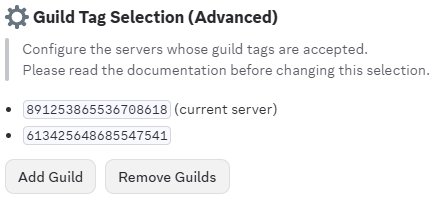
To configure this, use the `/guildtagrewards config` command and use the **Guild Tag Selection** section. Press "Add Guild", then enter the Discord Server ID of the server whose guild tag should be allowed. These guild ids will be treated the same as if the user was using this server's own guild tag.
There is currently a limit of 10 linked servers. If you need higher limits, please contact our support team. If you need any assistance with multi-guild configurations, we are happy to help!